Shoes and sizing
Shoes need side profile, outsole and label checks because similar thumbnails can hide fit or shape differences.
Main product categories organized around real buyer decisions.
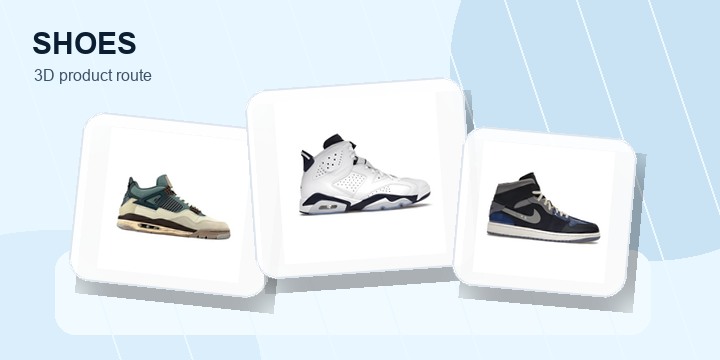
Sneakers and sport shoes with size, outsole and side-photo checks.
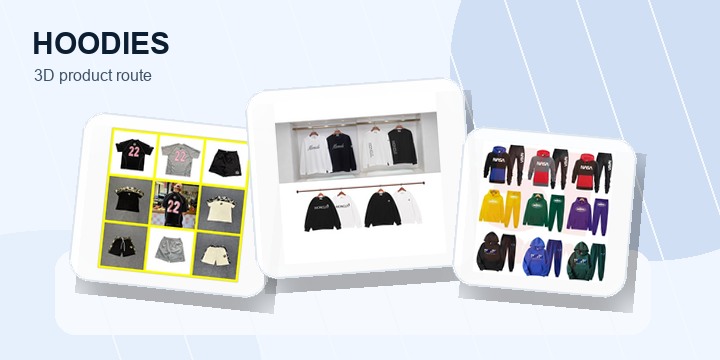
Hoodies, sets and sweatshirts grouped by fabric, print and color.
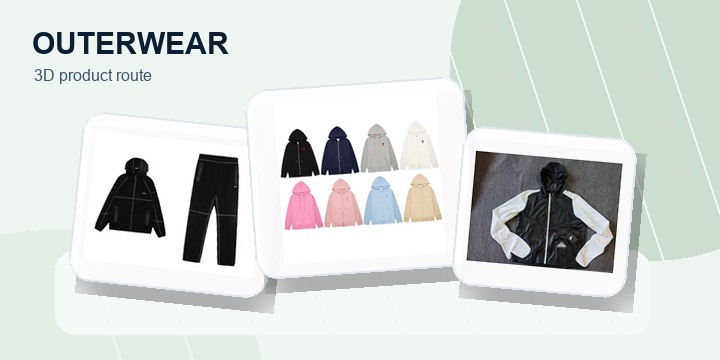
Jackets, vests and puffers for seasonal outfit planning.
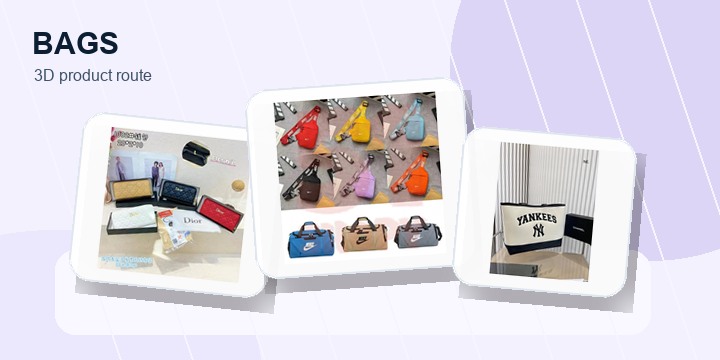
Backpacks and small bags where straps, zippers and hardware matter.
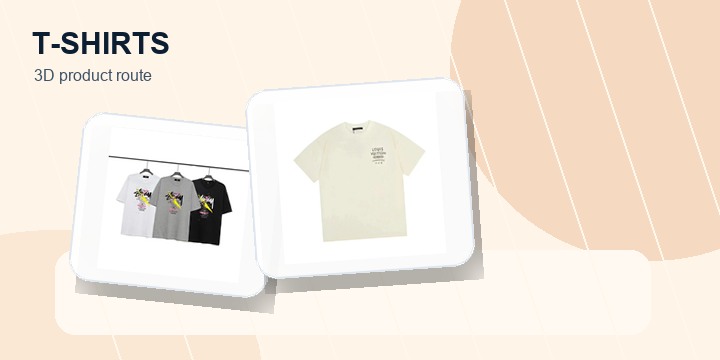
Graphic tees with front, back and close-up print reminders.
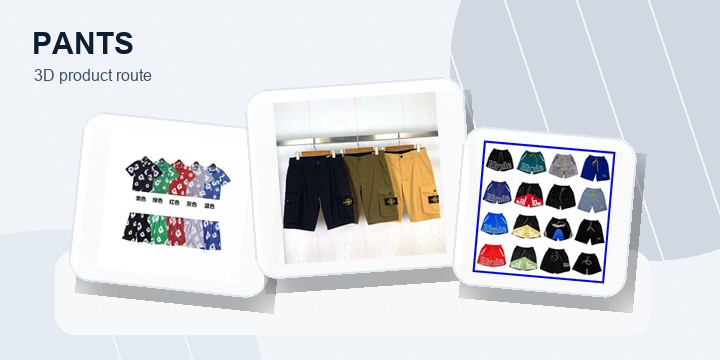
Cargo pants, shorts and bottoms organized by waist, length and material.
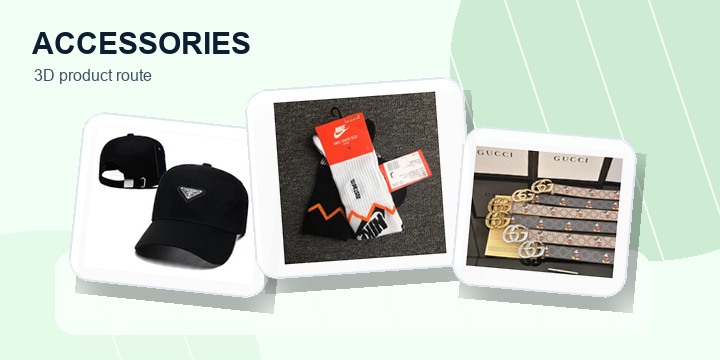
Belts, socks, hats and small items that can improve parcel value.
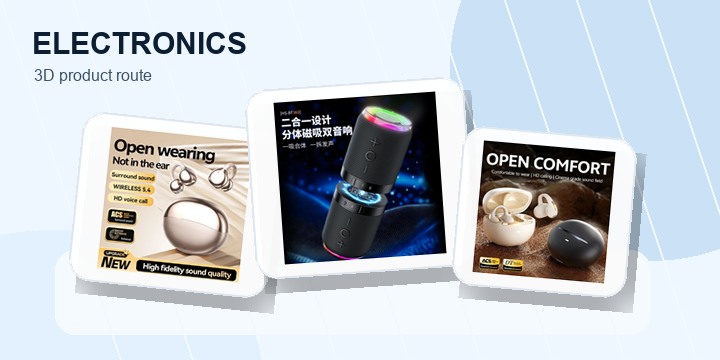
Small electronics where model, battery and package details matter.
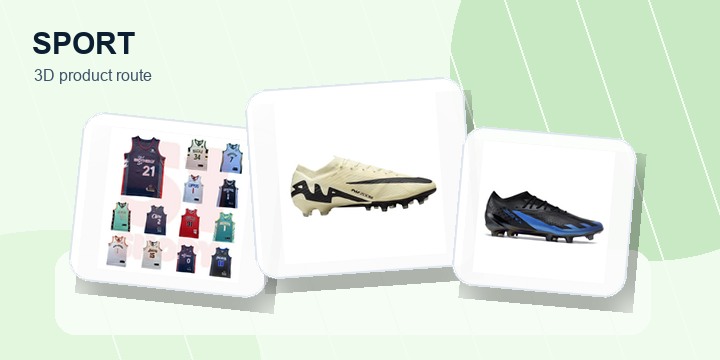
Sportswear and football-style pieces with sizing and material checks.
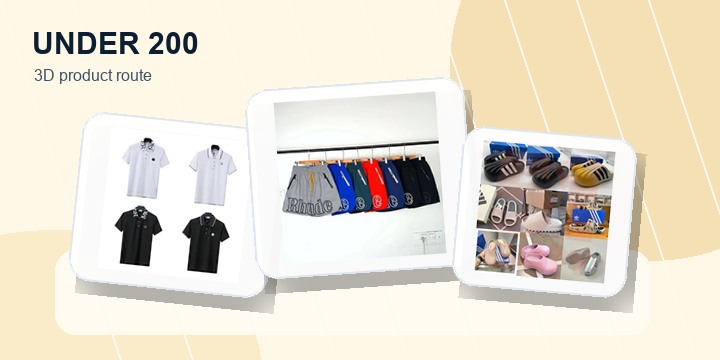
Budget-friendly product paths that still need clear photos and option checks.
Pick a product or style route, open the matching live product page, and verify the current photos, option name, measurements, price and shipping fit before checkout.
These pages help buyers move from broad browsing into more specific collections, checks and outfit paths without relying only on the sitemap.
Use categories as decision routes, not just product bins. Each category points to the kind of photo proof that matters most before opening a live product.
Shoes need side profile, outsole and label checks because similar thumbnails can hide fit or shape differences.
Hoodies, tees, pants and outerwear need fabric, tag, fit and print checks before saving.
Small items need scale, hardware, stitching and package photos so they still make sense after shipping.
After choosing a category, use the guide or collection page that matches the exact risk you are checking.
Use categories to narrow the buying problem first, then open the spreadsheet or shipping tool when you know what has to be checked.